It’s ridiculously easy to start a podcast with RSS.com.
Just how easy?
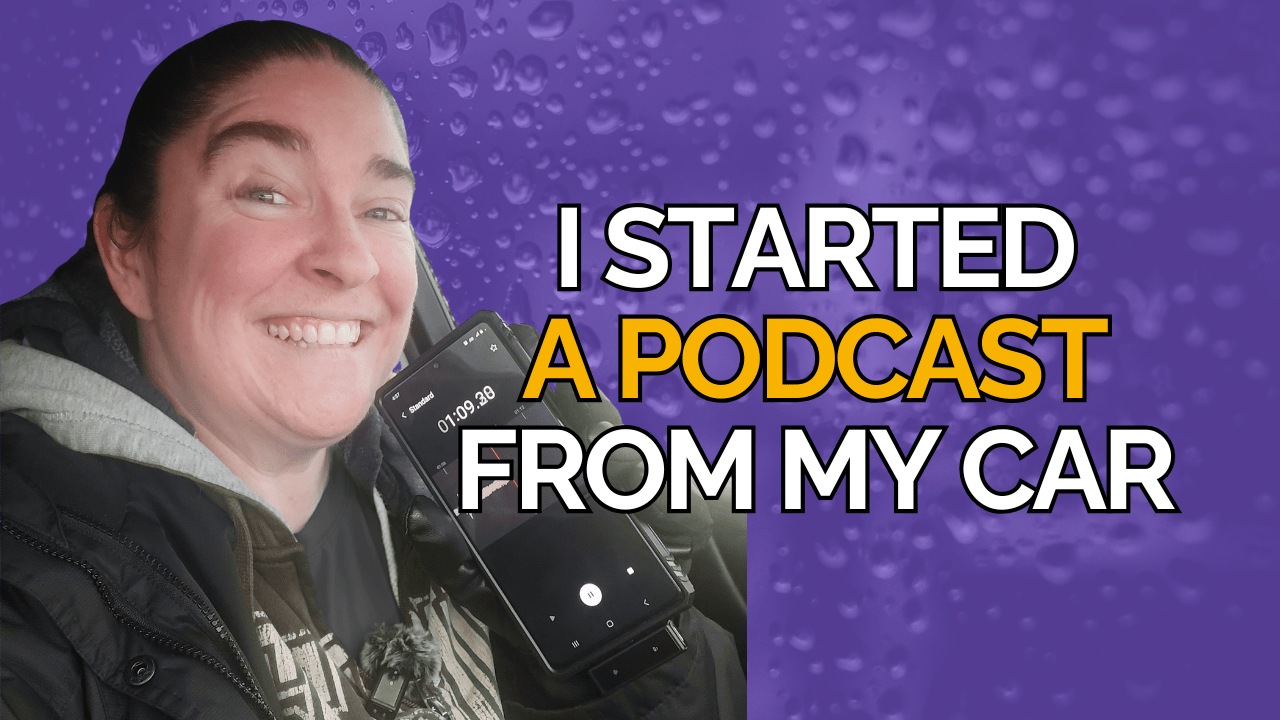
Well, to answer that, our Social Media Content Strategist Ashley decided to start one from her car. She thought it would be the best way to put the proverbial proof in the pudding.
We state in our videos, on social media and all over the internet that with our platform you can start a podcast in less than five minutes.
And, now, thanks to our free local and niche plan the barrier to entry is even lower. So low, that you can literally start a podcast for $0.
Below Ashley is sharing how she did it, how it’s going, and how you can do it too!
Just A Phone to Launch
It began simply enough. I wanted to record my experience of losing weight and getting serious about fitness. July 14, 2025 is when I embarked on this crazy ride, and 100 days later on October 22, 2025 is when I launched the podcast.
I confess, I didn’t really tell anyone about it.
The big reason? Imposter syndrome.
Even though I’ve been podcasting since 2020 with my Bloggy Friends Show, no one knows me as a fitness creator of any kind.
The second biggest reason? Well, to be honest, it’s really scary to put it out there that you’re trying to lose weight.
In the beginning, I was just recording voice notes on my phone during my short commute to and from the gym simply to remember what was happening along the way. And, people started talking to me at the gym saying that they were following my social media posts that I’d been sharing to hold myself accountable.
When that happened, it felt like I should share the podcast with more folks outside the gym, and tell the world I had launched.
The spark to go full throttle with promoting it though came when my instructor agreed to let me interview her. This interview series, and one other episode are the only shows I’ve recorded outside of my car since launching to date…But, let’s back up to how easy it was to start the show in the first place.
Here are the simple steps I took to launch the podcast on my phone.
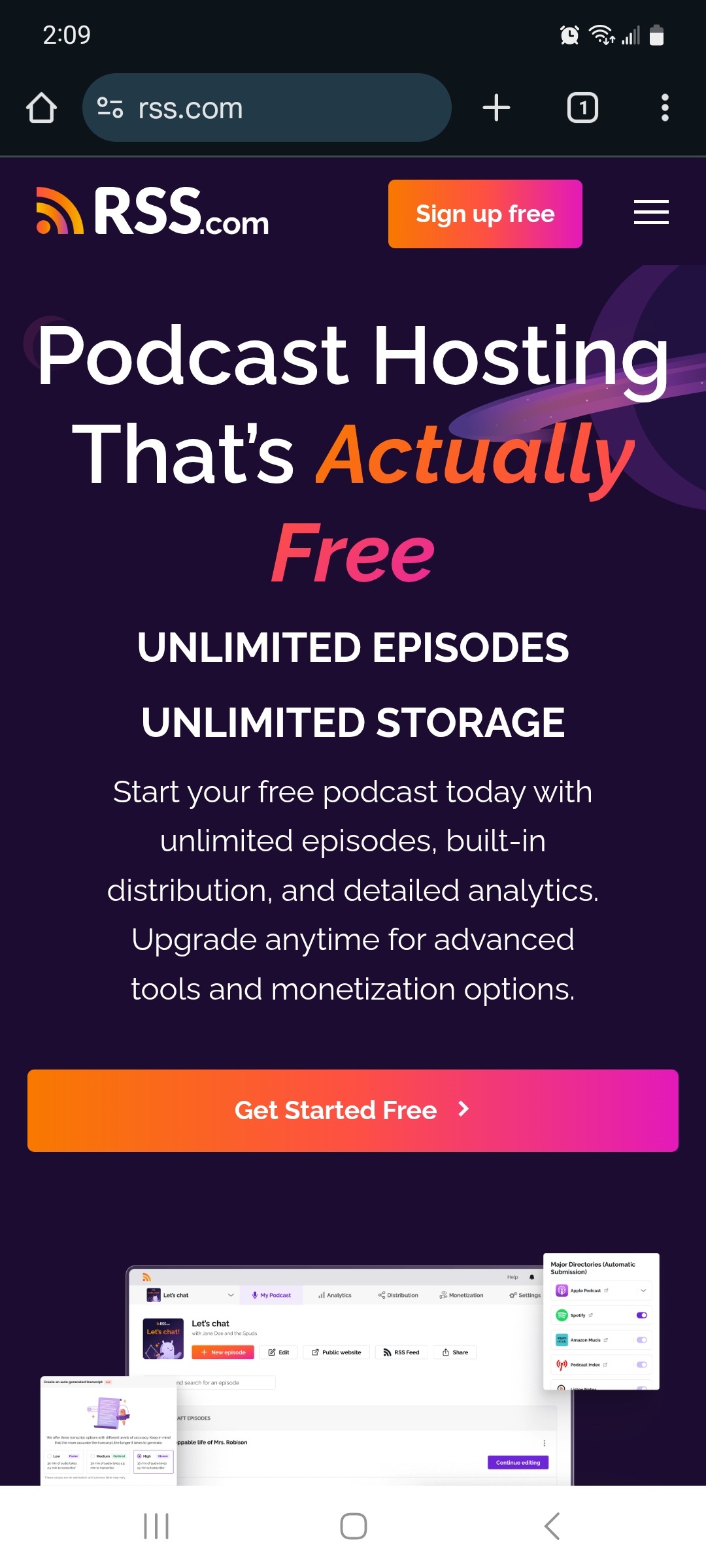
1. I went to RSS.com in my Chrome browser.
To create an account, all you need to do is enter an email address, create a password, and then confirm your email address to create an account.
2. With my account, I created my new podcast.
3. I created my podcast art with the Canva app, and was able to quickly save the image to my phone, and then upload it to my RSS.com account.
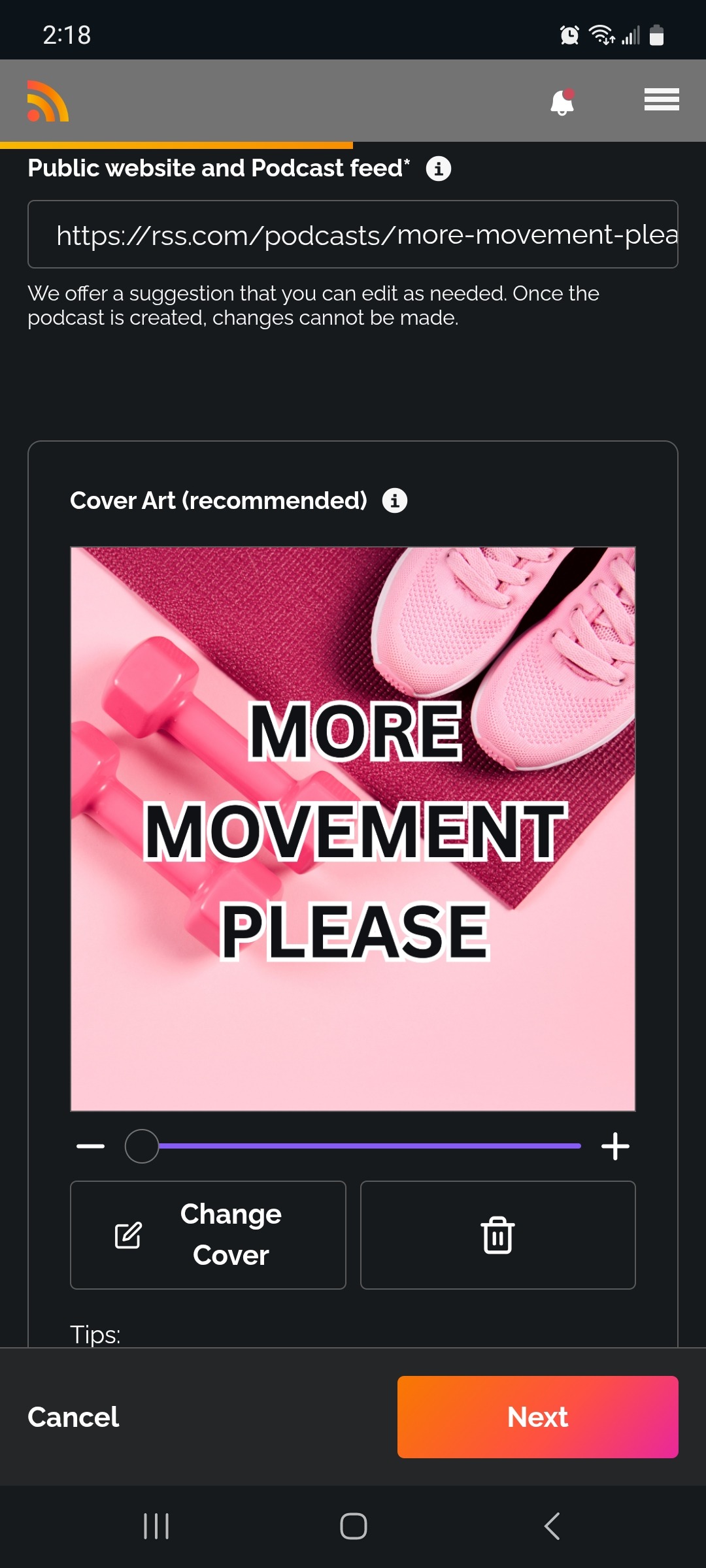
4. Then, I used the Adobe Podcasts site in the mobile Chrome browser to enhance the audio recording I did with my voice recorder. Adobe Podcasts is how I “mask” the fact I’m recording in my car and make it sound like I’m recording in a podcast studio!
It’s not a secret though. I have told my audience many times that I am recording from my phone.
5. All that was left after that was to upload my first episode to RSS.com, and voila! I had my first episode live in less than five minutes!
Is It Really THAT Easy?
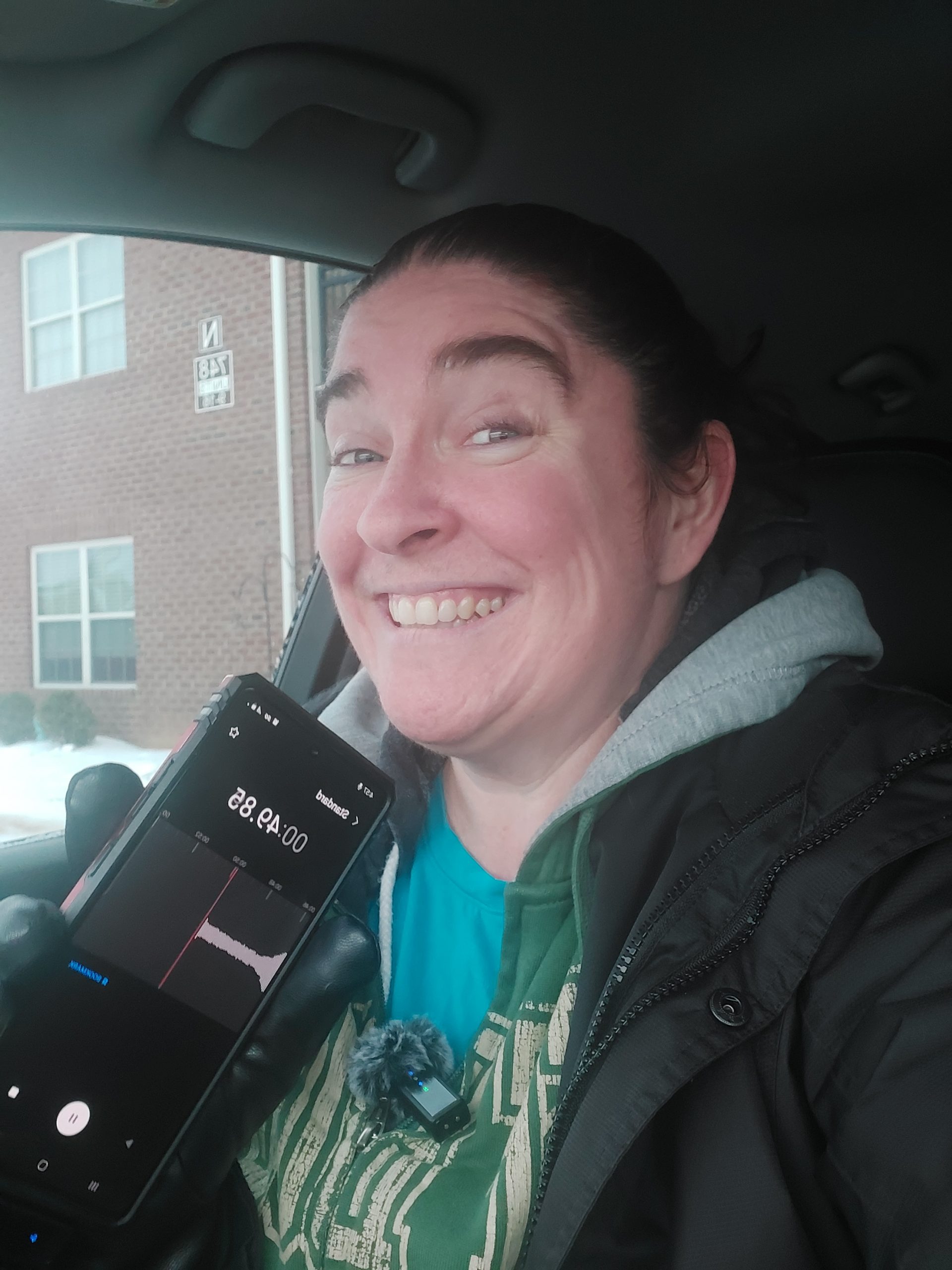
Yes! I was so excited (and still am!) about how ridiculously easy it was to create a podcast with just my phone from my car. I only record 5-10 minute episodes, but I could easily see myself recording longer episodes, and still having the same awesome results!
You can do this too. I don’t have the newest phone either.
My “smartphone” is a good six years old. So, if I can with an older phone, I’m certain anyone can do this!
I admit, there was a little bit of a learning curve figuring out how to use Canva and Adobe Podcasts on my phone. Those tools are much easier to use on my computer.
But the RSS.com website? That’s just as easy to use on my phone as it is on my desktop!
If you have been thinking about starting a podcast, but are afraid you don’t have all the fancy bells and whistles to launch, I want you to know all you need is a phone and you’re good to go!
There’s truly never been a better time launch!
The best part? With the RSS.com free local and niche plan, you can start an account 100% for free. No credit card required. This is NOT a free trial. It’s a completely free plan that gives you all the tools you need to launch and grow.
How It’s Going Since Launching
So, I launched the podcast a little over 100 days ago, and since then I have released 42 episodes. The biggest problem I’m having is properly promoting the podcast. I’ve been trying to get better about this, however.
I’m finally sharing it more on social media and I’m doing all the things RSS.com suggests for promoting a show.
Here are just a few of the things I’ve done since launching my show:
– Wrote a blog post for every episode on my website, and embedded the relevant episode into each blog post for easy listening
Related: How to Repurpose Your Podcast into Other Content
– Shared the video version of the podcast using PodViz. You can technically use PodViz for free and create an audiogram of your latest episode here.
However, I highly recommend upgrading to an RSS.com paid plan.
Upgrading to a paid plan does two things:
1. It allows you to automatically share your PodViz videos to YouTube through the dashboard.
2. You can create PodViz videos of your entire back catalog
Here’s what one of my podcast episodes looks like on YouTube:
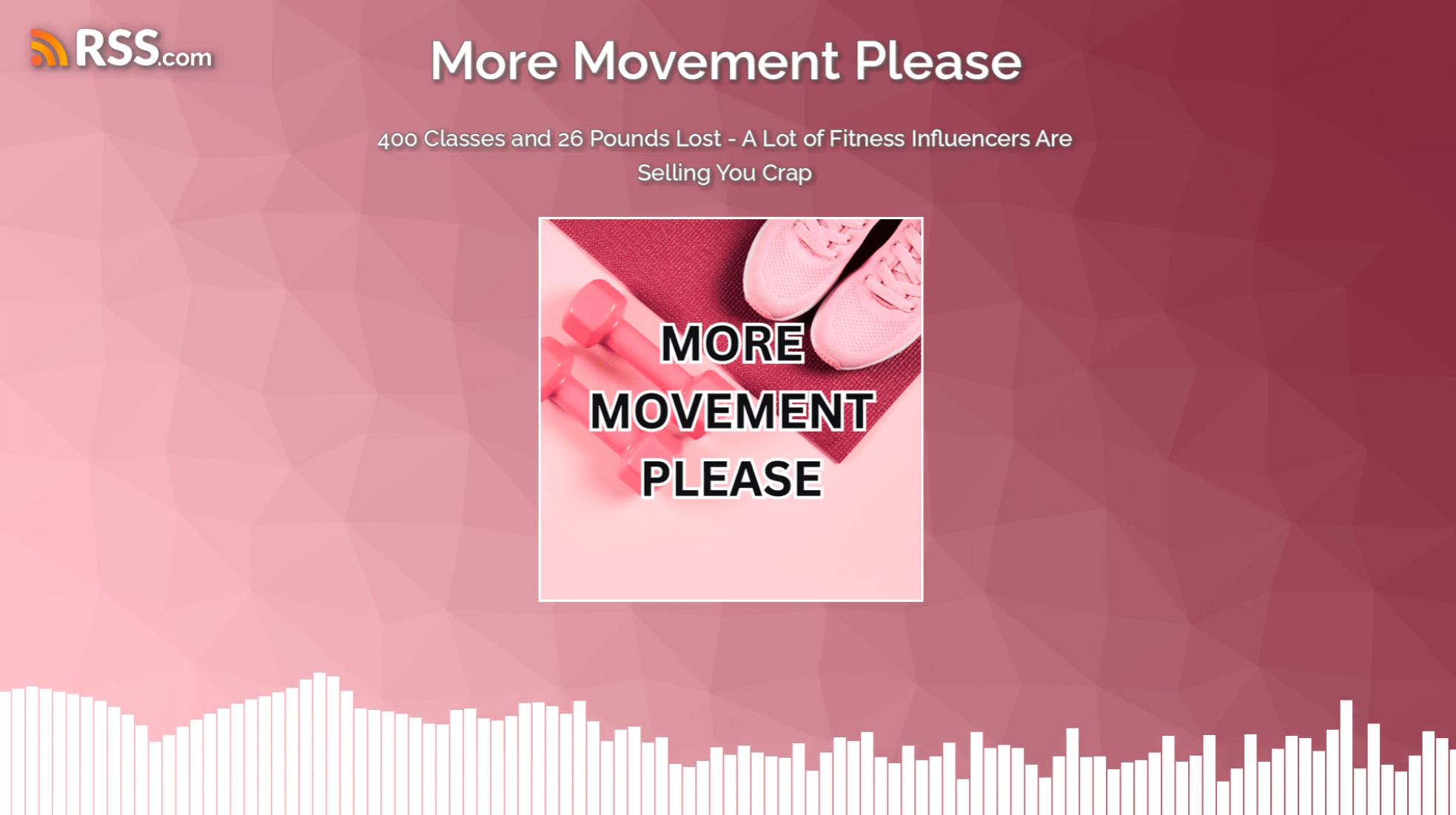
– I even downloaded all my PodViz videos from YouTube Studio so I can repurpose the videos on social media
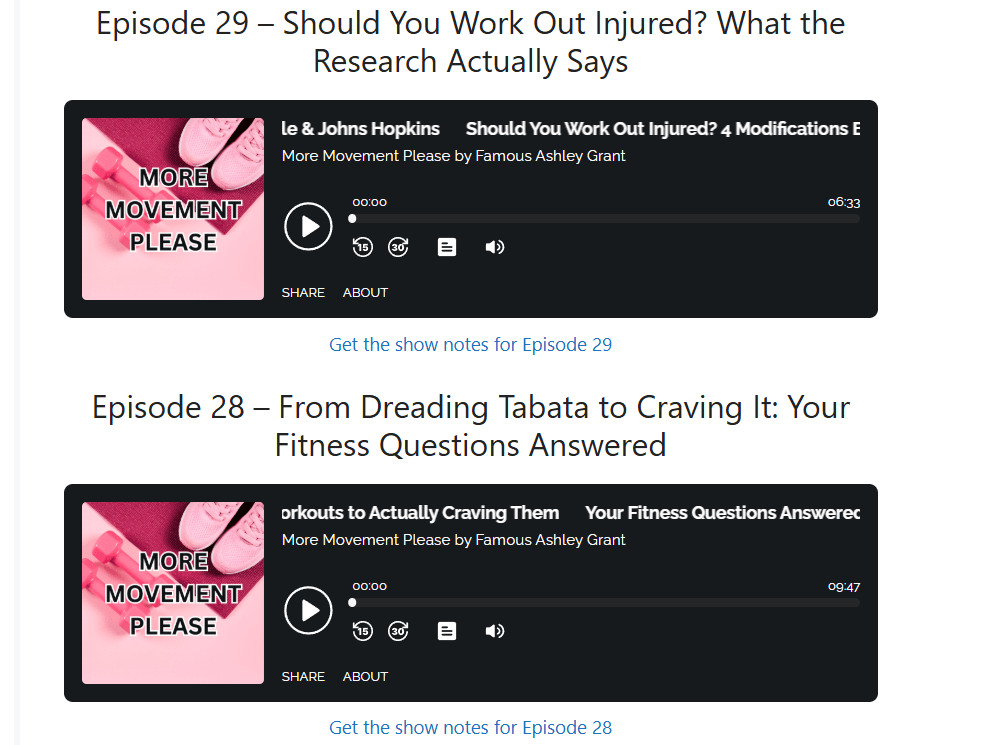
– I created a page on my website for the podcast. I also embedded links to all episodes that are live. Here’s a snipped of my website page I created:
Also see: Should I Have a Website for My Podcast?
– I bought some mobile podcasting equipment.
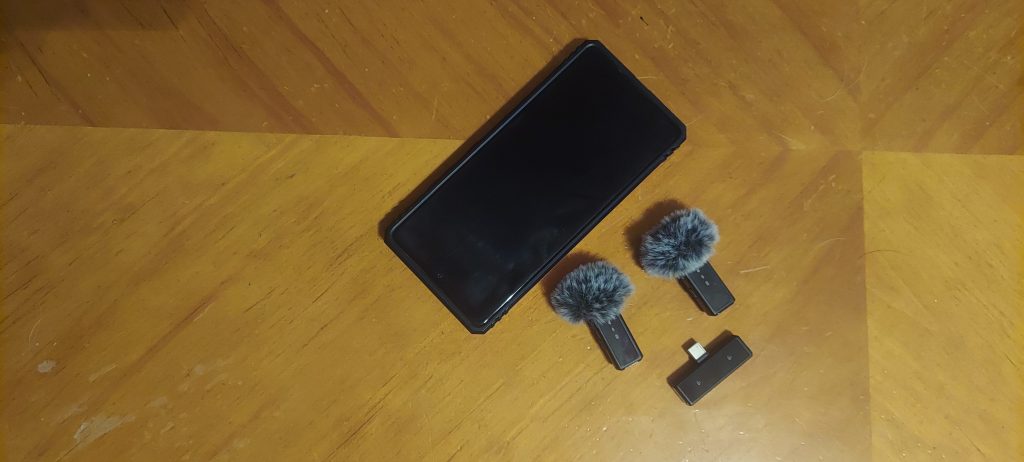
I found a pair of lavalier microphones on Amazon for less than $40, and though they are not top of the line microphones, they are getting the job done. They have pop filters on them, and combined with Adobe Podcasts, it’s hard for me to tell I’m recording on the go.
I’m sure true audiophiles can tell, but it’s working for me so far.
It’s Time to Launch Your Podcast for FREE
I launched my show completely for free. Sure, I spent a little money on the microphones, but I launched without them. I only invested once I was certain I wanted to go deeper with this project.
If you have been thinking about launching your own podcast, I’m proof you can do it for free. There’s truly nothing holding you back. Create your free local and niche plan account today, and just start recording.
Though my downloads are not as high as I would like, the fact is my message is getting to the people that need it. I have actually had people message me and say to me in person that my podcast is why they are moving their bodies more. It’s proof that your audience is out there.
I’m not a fitness guru, but I am now a contributor to the fitness space. You can be a contributor to yours! There’s no better time. Start your podcast free today!