Most podcasters don’t realize their audio problems start before they hit record.
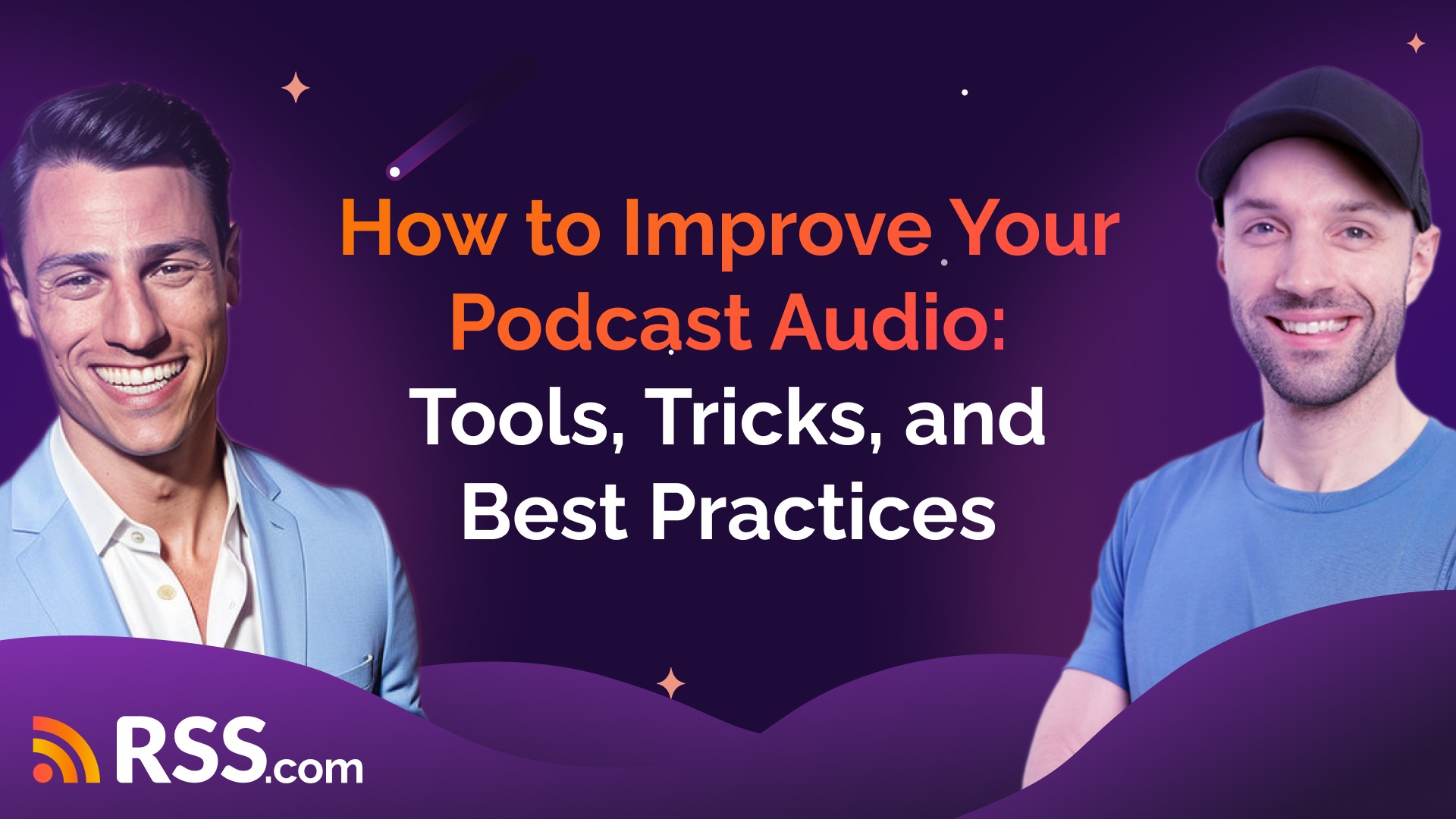
That was the main takeaway from our October Podcast Masterclass with Joel Oliver, founder of East Coast Studio. Joel has spent nearly a decade editing thousands of podcast episodes, and he’s here to share what actually matters.
Check out the full training below:

Start With Your Environment
Before worrying about which microphone to buy, look at where you’re recording. Joel’s advice is simple: focus on noise and echo.
Noise could be a loud AC unit, an open window, or traffic outside. Echo comes from large rooms with high ceilings and hard surfaces. If someone says your podcast sounds like you’re in a bathroom, that’s your problem.
You don’t need expensive soundproofing. Turn off the AC during recording. Put down a rug if everything is hardwood. Add some furniture to absorb sound. Simple fixes work.
The Microphone Myth
You don’t need a $1,000 microphone to sound professional. Joel recommends spending under $100. Brands like Shure, Blue Yeti, Rode, and Audio-Technica all make quality USB mics that get the job done.
What actually matters is positioning. Keep your mic 6 to 8 inches from your mouth. Any further and you’ll pick up room noise and echo. Too close and you’ll hear every lip smack and popping “P” sound.
Polar Patterns Matter
Microphones have different polar patterns that determine where they capture sound from.
- Cardioid mics pick up sound directly in front. This is what most solo podcasters need.
- Omnidirectional mics capture sound from all directions, including all that room echo and background noise you don’t want.
- Figure-8 mics record from front and back while rejecting the sides. Only useful for two-person in-person interviews.
Joel’s recommendation? Use cardioid unless you have a specific reason not to.
USB vs. Audio Interface
If you’re using a USB microphone, you don’t need an interface. The mic plugs straight into your computer. That’s perfect for most people starting out.
An audio interface only becomes necessary when you want to use an XLR microphone (the kind with the three-pin connector). For solo podcasters doing remote interviews, USB is almost always the way to go.
Get Your Gain Right
Gain controls how sensitive your microphone is to sound.
Set it too high and your audio “clips,” creating harsh distortion you cannot fix. Set it too low and your voice sounds quiet and distant.
Joel’s method: speak at your normal volume while adjusting the gain so your levels hit around -12 to -6 dB. You want to see green or yellow on your meter, never red.
Test this before every recording session. Your voice changes depending on energy level, time of day, even humidity.
Don’t Count on Fixing It Later
Joel’s seen it all.
- Mics muted for entire recordings.
- Gain set so low there’s nothing to work with.
- Corrupted files.
No editor can fix those problems.
Get the fundamentals right during recording, and editing becomes about optimization, not rescue work.
Podcast editing AI tools like Descript and Auphonic can clean up certain issues, but they can’t save a recording that was botched from the start.
Remote Recording: Use Double-Enders
When you record through Zoom or Riverside, you’re at the mercy of internet connection quality.
Joel’s solution: double-enders.
Everyone records their own audio locally while also connecting through the interview platform. When the call ends, guests send you their high-quality local recordings.
Your editing software syncs these tracks together. You get crystal-clear audio instead of compressed internet audio.
The catch? You need guests to cooperate.
Joel created a comprehensive guest prep sheet that walks people through setup.
He checks in before hitting the record button, and does a sound check.
This extra five minutes saves hours of editing headaches.
Editing Software Options
Joel uses Adobe Audition, but most people don’t need that complexity.
Programs like Audacity (free), GarageBand (free on Mac), or Descript (beginner-friendly paid option) work perfectly fine.
Descript lets you edit audio by editing the transcript. Delete a word from the transcript and it removes that word from the audio. It’s intuitive for people who aren’t comfortable with traditional audio editing.
For AI-powered cleanup, both Descript and Auphonic can remove background noise, fix volume levels, and reduce mouth sounds automatically.
Music Licensing and Levels
Stick with royalty-free music unless you really know what you’re doing. Platforms will take down episodes that use copyrighted music without proper licensing.
If you use music, watch your levels. Music should sit quietly in the background at around -20 to -18 dB. Your voice should always be the dominant sound.
Beyond music levels, maintaining consistent loudness throughout your entire episode is crucial for a professional listening experience. This is where LUFS (Loudness Units relative to Full Scale) comes in.
The podcast industry standard is -16 LUFS. When your podcast hits this target, it means listeners won’t need to adjust their volume when switching between your show and other podcasts, or when their phone notification sounds go off. Everything stays at a comfortable, consistent level.
Not all audio editing software doesn’t make it easy to achieve proper LUFS levels, but tools like Hindenburg and Alitu automatically mix your episode to -16 LUFS.
By the way, if you’re using RSS.com’s PAID system for dynamic ad insertion, those ads are already set at -16 LUFS to match your content seamlessly.
Getting your fundamentals right during recording makes the editing process about optimization, not rescue work. Proper loudness normalization is one of those fundamentals that separates amateur-sounding podcasts from professional ones.
Check out our two posts about music in podcasting:
- Best Places to Get Free Podcast Music
- Music Copyright for Podcasters: Avoid Infringement & Takedowns
Three Mistakes to Avoid
1. Using omnidirectional mics for solo recording. You’re capturing every echo and noise in your room. Switch to cardioid.
2. Recording too far from the microphone. This makes every problem worse. Get closer.
3. Not doing a test recording. Always record 30 seconds, play it back, and listen before starting your actual episode.
Good Podcast Audio Isn’t Complicated
Good audio isn’t complicated, but it is intentional.
Choose a quiet space with minimal echo.
Get a decent USB microphone and position it 6-8 inches from your mouth.
Set your gain so levels stay in the green.
Do a quick test before every recording.
Fix these fundamentals and you’re already ahead of most podcasters.
Your goal should be capturing great audio from the start, not hoping AI can rescue a bad recording.
As Joel put it: “You can never go wrong with that kind of knowledge.”
Want to learn more? Check out the resources on our blog, listen to Joel’s podcast “Profits Through Podcasting,” or connect with Joel Oliver at East Coast Studio for professional podcast editing services.
About the Hosts
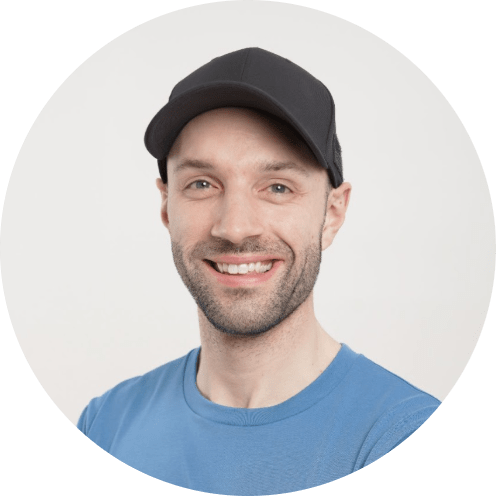
Joel Oliver is the founder of East Coast Studio, a podcast production company that helps health-focused entrepreneurs share their message with ease. After more than a decade in podcasting -including a life-changing heart surgery in 2018 – Joel has built a thriving team and niche business focused on health and wellness. He also hosts the podcast Profits Through Podcasting.

Greg Wasserman has worked across the podcasting ecosystem, leading three listening platforms, helping shape an AI-powered content repurposing tool, and now serving as Head of Relationships at RSS.com, one of the world’s top podcast hosting providers. But his impact doesn’t stop there. Greg is a connector across industries, known for creating conversations that spark unexpected opportunities.